> For the complete documentation index, see [llms.txt](https://docs.suggestic.com/graphql/llms.txt). Markdown versions of documentation pages are available by appending `.md` to page URLs; this page is available as [Markdown](https://docs.suggestic.com/graphql/query/mutations/tracking/update-hydratation.md).
# Water and Hydration
Increase or decrease water intake tracked
Use the `updateHydration` mutation to increase or decrease the number of cups of water tracked.
### **Required Arguments**
| Argument | Type | Note |
| -------- | ---- | ---------------------------------------------------------------------------------------------------------------- |
| `date` | Date | The date when the water entries will be counted. Use the format: `YYYY-MM-DD` |
| `action` | Date | Add the **INCREASE** or **DECREASE** value to specify if the amount of cup of water is increasing or decreasing. |
### **Available Fields**
| Field | Type | Note |
| --------- | ------- | -------------------------------------------------------------------------------------- |
| `success` | Boolean | **true:** If the entry has been created successfully. Otherwise, it displays **false** |
| `message` | String | The message returns either if the information has been updated or not. |
### Example
{% tabs %}
{% tab title="Request" %}
```javascript
curl -XPOST 'https://production.suggestic.com/graphql' \
-H 'Authorization: Bearer ' \
-H 'Content-Type: application/json' \
--data-raw '{"query": "mutation { updateHydration(date:\"2020-10-13\",action: INCREASE) {success message}}}"
}'{ "Authorization": "Token ", "Suggestic-Partner":"" }
```
{% endtab %}
{% tab title="Response" %}
```javascript
{
"data": {
"updateHydration": {
"success": true,
"message": "Hydration was successfully updated"
}
}
}
```
{% endtab %}
{% endtabs %}
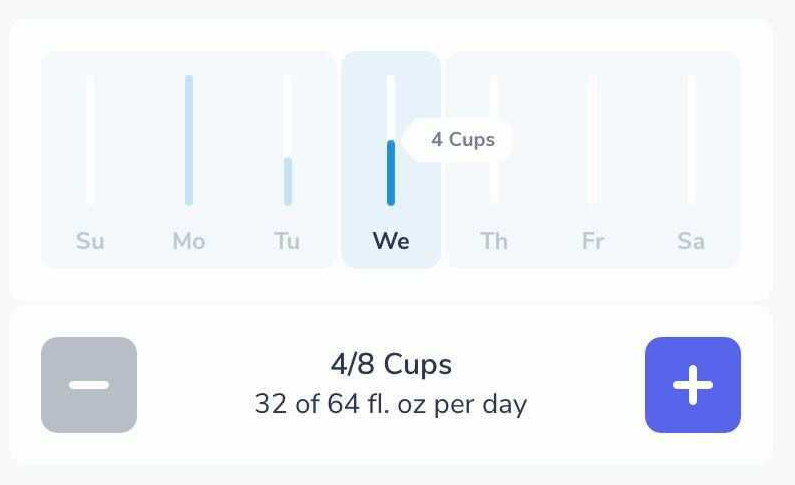
### UI Example